


Used by the world's leading companies












Ask AI directly about your marketing performance, using live data connected from all your sources.
Understand what changed, why it happened, and where to focus next.



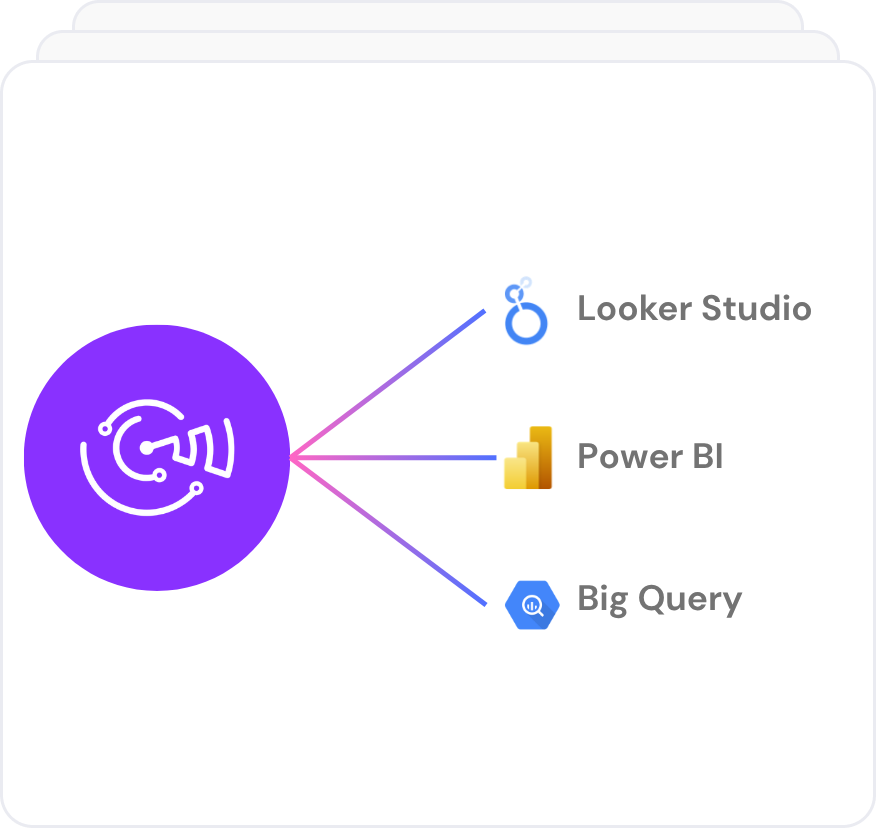
Create always up-to-date dashboards in Looker Studio or Power BI for client reporting, performance reviews, and weekly monitoring.


Send data to Google Sheets or Excel without CSV exports. Track spend, ROAS, CPA, campaign performance, and client KPIs in clean, refreshable spreadsheets.

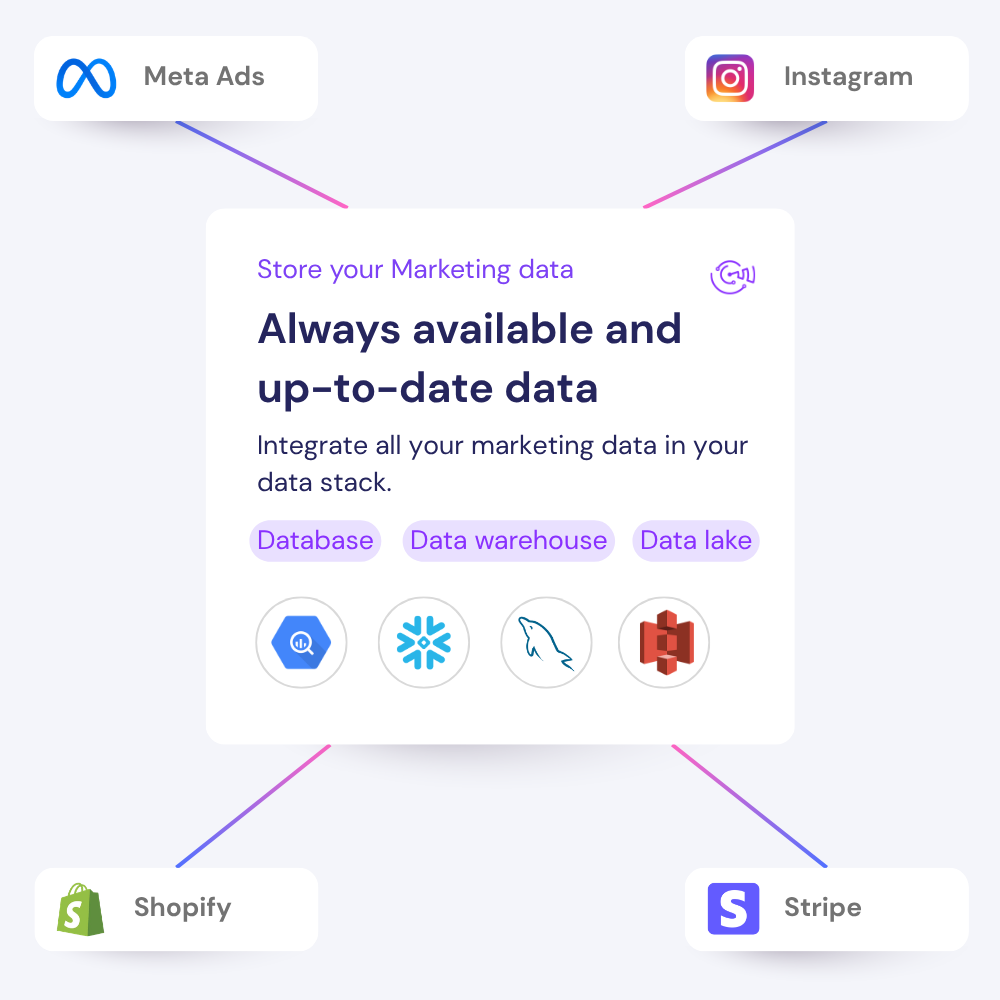


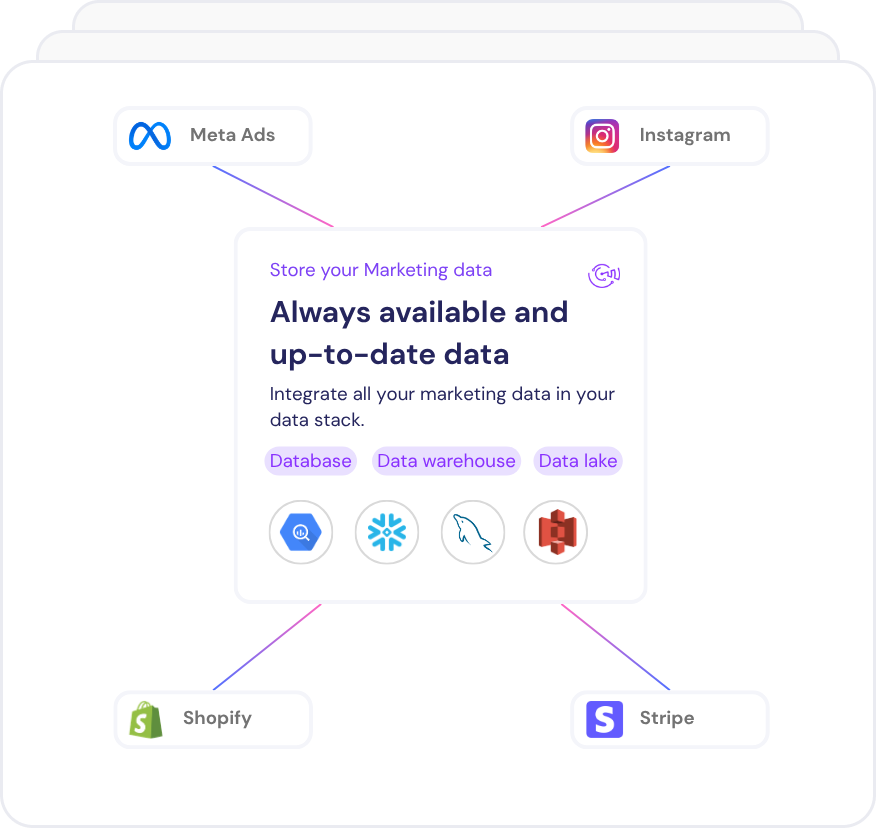
Move your data into Google BigQuery, Azure SQL, Amazon Redshift or your storage system for deeper analysis, blending, and backup.
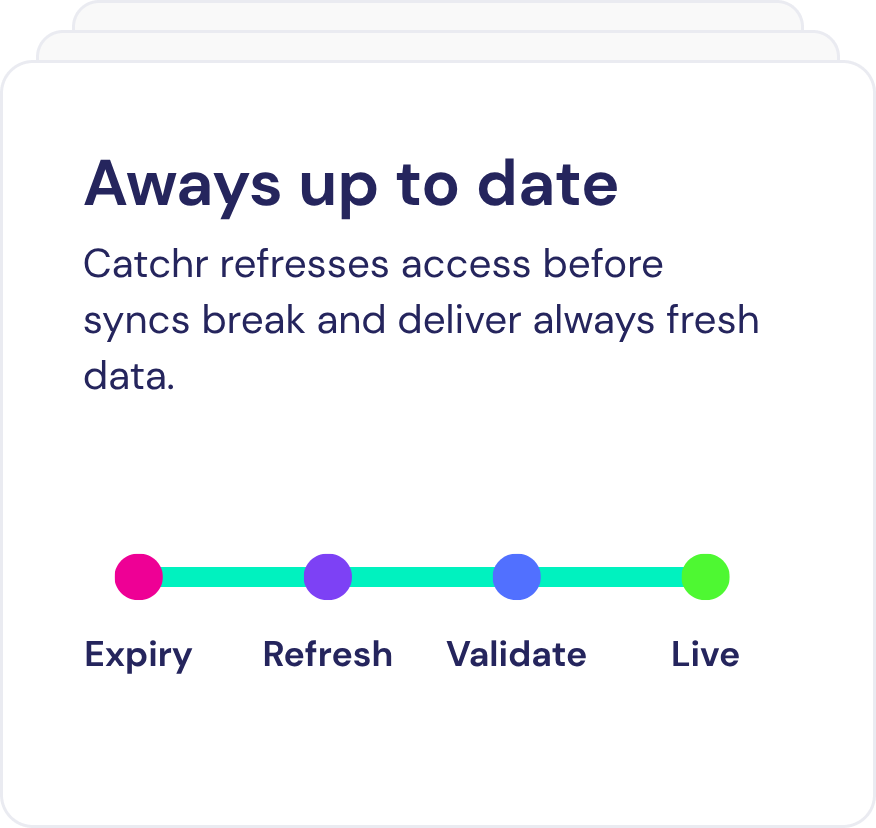
Stop downloading CSV files from Ads Manager every time a client report needs fresh numbers. Catchr pulls your Facebook Ads data through the Meta API on a schedule, so the report is ready before the meeting.
Meta regularly changes what its Ads Insights API returns. On January 12, 2026, it removed the 7-day view and 28-day view attribution windows.
Catchr updates its fields when Meta does, so your reports keep working without a rebuild.
Metrics available
Dimensions available





A free four-page Looker Studio dashboard for Meta Ads and Facebook Ads. Copy the report, connect your ad account through the Catchr connector, and the pages fill with your own data.
Get insights on marketing analytics, and tools that turn data into growth. Find everything to stay ahead.
Develop your skills with complete and practical Data Studio (ex Looker Studio) & Google Sheets lessons.


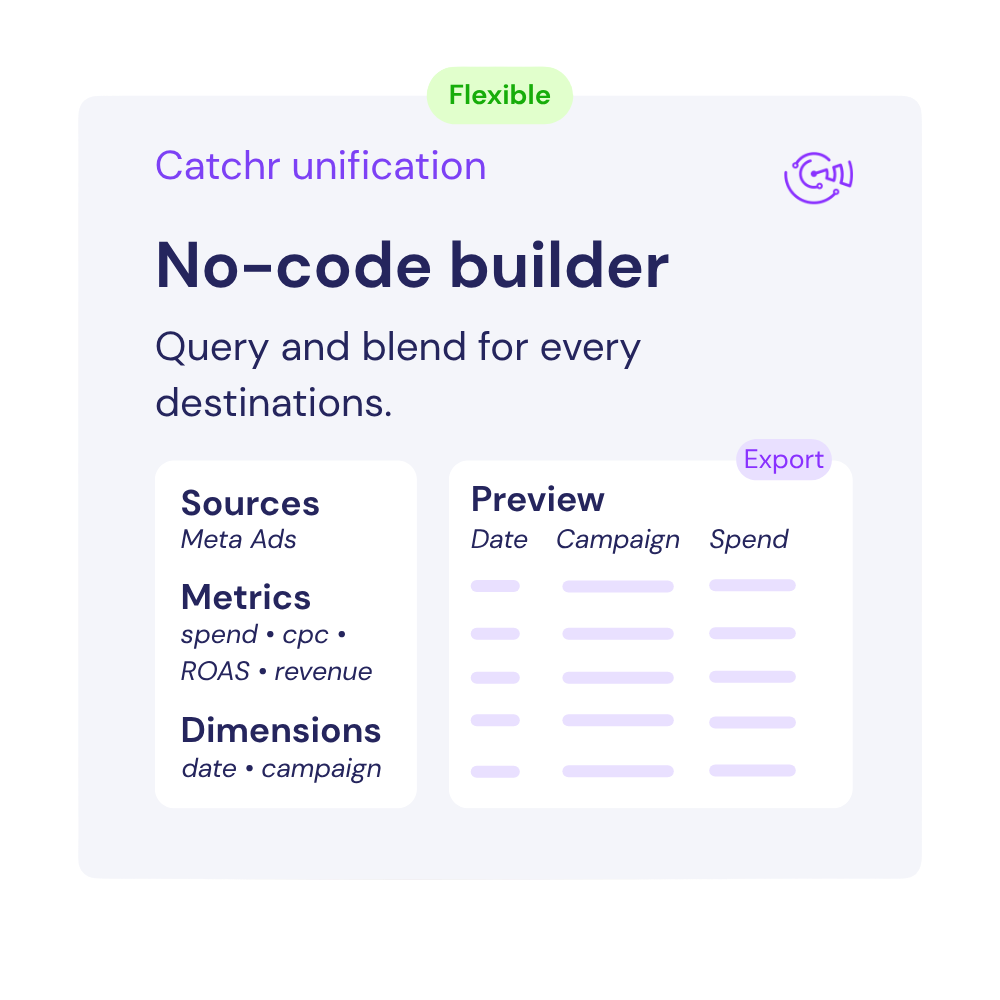

With catchr, it's easy to connect all your marketing data to your favorite reporting, AI or dashboarding tools.
What our customers say about us.
After three years of use, Catchr has become essential for both our teams and our clients. So far, it has been our best solution for compiling and analyzing data from different advertising platforms. It’s easy to set up, and the customer service is responsive and excellent.

With Catchr’s automated API, we can finally collect and centralize all advertising data, connect it with booking information, and calculate the real ROAS for our restaurant clients. It gives them full visibility, more autonomy, and the ability to optimize campaigns to maximize ROI.

The solution is a real game changer, providing optimal time savings for our data reporting. The major strength of the solution is their highly responsive and professional support.

Facebook Ads is Meta's advertising platform for creating, managing, and measuring paid campaigns across Facebook and related Meta placements. Marketers use it to reach audiences, promote products or services, generate leads, drive website traffic, and track campaign performance.
Refresh timing depends on your destination. Looker Studio requests data when your report needs it, subject to the data source's freshness settings and caching; you can also use Refresh data manually. Google Sheets and Excel support scheduled refreshes every hour, day, week, or month. Warehouse exports follow the schedule of each Catchr job, with options starting at every 15 minutes, as well as hourly, daily, weekly, and monthly schedules. These schedules control when Catchr requests data, not when Meta finishes processing it. Yesterday's Facebook Ads figures become available when Meta makes them available through its API, using your ad account's time zone. There is no guaranteed next-day availability time, and recent conversion figures can still be revised as Meta processes and attributes events. Your next successful refresh retrieves the data available at that time.
The word now covers two different things. A reporting connector, like Catchr, moves your Facebook Ads data out of Ads Manager and into the tool where you build your reports: a Looker Studio dashboard, a Google Sheet, a warehouse, or an AI assistant. Meta also ships its own ads AI connectors, which let an AI agent act on your account rather than move your data somewhere else. Both are called connectors. They solve different problems, and plenty of teams run both.
Scope and direction. Meta's ads AI connectors cover Meta data and let an agent create and edit campaigns, manage catalogs, run A and B tests, and read activity logs, all inside your Meta account. Catchr covers Facebook Ads next to Google Ads, GA4, TikTok Ads, a CRM, or an e-commerce platform, and sends the result to the tool where your reporting already lives. If everything you report on is Meta and you want to manage campaigns by chat, Meta's own connector is the shorter path. If your weekly report has more than one platform in it, that is the problem Catchr solves.
Yes, and it is a common setup. Meta's server handles what happens inside the ad account. Catchr handles the reporting layer across every platform you run. Adding one does not disconnect the other, and the two authorizations are separate.
Our team is always here to answer any questions you may have about our data connector.
Connect your marketing platforms and build a data workflow your entire agency can use.

.svg)









